
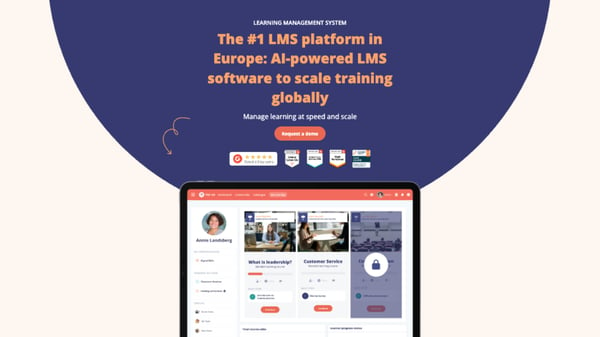
- There's no single best learning management system (LMS). The right platform is the one that matches your organisation size, your reporting obligations and where your organisation will be in three years.
- Enterprise and multi-country rollouts: Rise Up, Docebo, Cornerstone OnDemand, Absorb LMS.
- Small and mid-sized organisations that want speed: TalentLMS, Thrive.
- Collaborative and social learning: 360Learning, HowNow.
- Open source and full control: Moodle.
- Compare on ten criteria: usability, training features, depth of artificial intelligence (AI), analytics, compliance tracking, standards and integrations, security, accessibility, scalability and the pricing model.
The LMS market is moving quickly. Choosing well means thinking long term and picking a platform that can support your organisation and your teams for years, not months.
For any learning and development (L&D) team, three things should drive the decision: the size of your organisation, how you plan to roll the platform out, and which features you genuinely can't work without. You also need to think ahead about adoption, budget and vendor support, because all three keep shaping the outcome long after the contract is signed.
A few years ago, only a handful of vendors offered adaptive learning, social features and AI. That's no longer true, and the choice has become both wider and harder. This comparison is here to help you work out which platform fits your organisation.
What is an LMS, and why compare platforms?
An LMS centralises how you build, deliver and track training in one tool. L&D teams upload content, enrol learners, monitor progress and issue certificates at the end of a programme.
It also gives you the reporting you need — completion rates, time spent, assessment results, certificates — instead of managing enrolments in a spreadsheet with content scattered across several tools.
Choosing a platform isn't purely a technical decision. A dull interface or a poorly designed learner journey hits engagement directly, and with it the return on investment (ROI) of everything you run. That's exactly why you should compare platforms before you commit.
LMS, LXP, TMS, open source or SaaS: which type of platform?
Before comparing anything, it's worth being specific about the terminology, because the right comparison criteria follow directly from it.
An LMS is usually owned by the L&D team. It structures programmes, delivers content, tracks learner progress and issues certificates. It's the reference tool for delivering training.
A learning experience platform (LXP) flips that logic. It puts the learner at the centre and recommends content based on what they need, in a more self-directed way. Very few tools are purely LXP today; most LMS platforms now include that learner-experience layer.
A training management system (TMS) answers a different need. It runs the training plan end to end: sessions, budgets, logistics and relationships with external providers. It speaks to HR and training operations teams rather than learners.
Then there's how the platform is hosted, which splits into two approaches:
- an open-source platform gives you almost unlimited customisation, but requires in-house technical skills for hosting, maintenance and security;
- a platform hosted and maintained by the vendor (SaaS) goes live faster and doesn't require dedicated IT resources.
Which criteria should you use to compare LMS platforms?
Vendor pitches can sound similar. Here's what to look into against your own context and priorities.
-
Ease of use. A platform that's hard to manage will stall on adoption, for your L&D team and your learners alike.
-
Training features. Authoring tool, blended learning, available formats (memory anchoring, video, virtual classroom), gamification and social learning.
-
Depth of AI. Some vendors stop at content generation or automated translation. Others go as far as adaptive learning and personalised programme recommendations.
-
Analytics and reporting. Beyond completion rates, you need to measure how effective your training actually is, tracking real engagement and how much of it actually translates into real-world skills.
-
Compliance and certification tracking. For regulated sectors, the question isn't whether training was launched, but whether you can evidence it. Look for expiry management, refresher cycles, automatic reminders, role-based assignment and audit-ready records.
-
Standards and integrations. Check that the platform supports SCORM (Sharable Content Object Reference Model), xAPI and LTI, that native integrations cover your HR information system (HRIS), your customer relationship management (CRM) platform and your communication tools, and that its application programming interface (API) does what you need it to.
-
Security and governance. Single sign-on (SSO), role-based permissions, audit trails, data residency and alignment with UK GDPR are non-negotiable in most procurement processes.
-
Accessibility. Content and interface should meet the Web Content Accessibility Guidelines (WCAG) 2.2 at level AA so training reaches your whole workforce.
-
Multi-language, support and scalability. Multi-language and multi-country capability if you're running an international rollout, the quality of support and onboarding, and how well the platform scales as your needs grow.
-
Pricing model. Per active learner, per licence or per feature — each approach suits a different level of headcount stability.
The 12 best LMS platforms at a glance
|
Platform |
Type |
Best for |
Pricing model |
|---|---|---|---|
|
LMS + LXP + authoring tool |
Large organisations, multi-country and multi-language rollouts |
Two packages plus optional add-ons |
|
|
LMS + skills + communications |
Growing SMEs to large accounts wanting a modern, social experience |
Three tiers, from Go to Enterprise |
|
|
LMS + LXP, collaborative |
Organisations that want internal experts to build content |
Three tiers, from Team to Enterprise |
|
|
Enterprise learning platform |
Large enterprises training staff, customers and partners |
Quote only, two tiers, paid add-ons |
|
|
Cloud LMS |
Small and mid-sized enterprises (SMEs) that need onboarding and compliance training quickly |
Free tier plus four paid plans |
|
|
Open-source LMS |
Higher education and organisations with in-house technical resource |
Free; Moodle Workplace via certified partners |
|
|
Learning and talent suite |
Global enterprises where training sits inside a wider HR strategy |
Quote only |
|
|
LMS + LXP + TMS |
Training providers and organisations wanting an off-the-shelf content offer |
Quote, built from product modules |
|
|
AI-powered LMS |
Mid-market and large enterprises, mainly North American |
Quote; free trial available |
|
|
AI-native learning platform |
Organisations that want AI to drive training, especially Workday users |
Free and Team tiers, Enterprise on quote |
|
|
AI learning platform |
UK mid-market L&D teams focused on learning in the flow of work |
Two tiers plus a content add-on |
|
|
LMS + LXP + LRS |
UK mid-market, notably public sector, wanting content and technology together |
Quote, built from chosen modules |
Rise Up
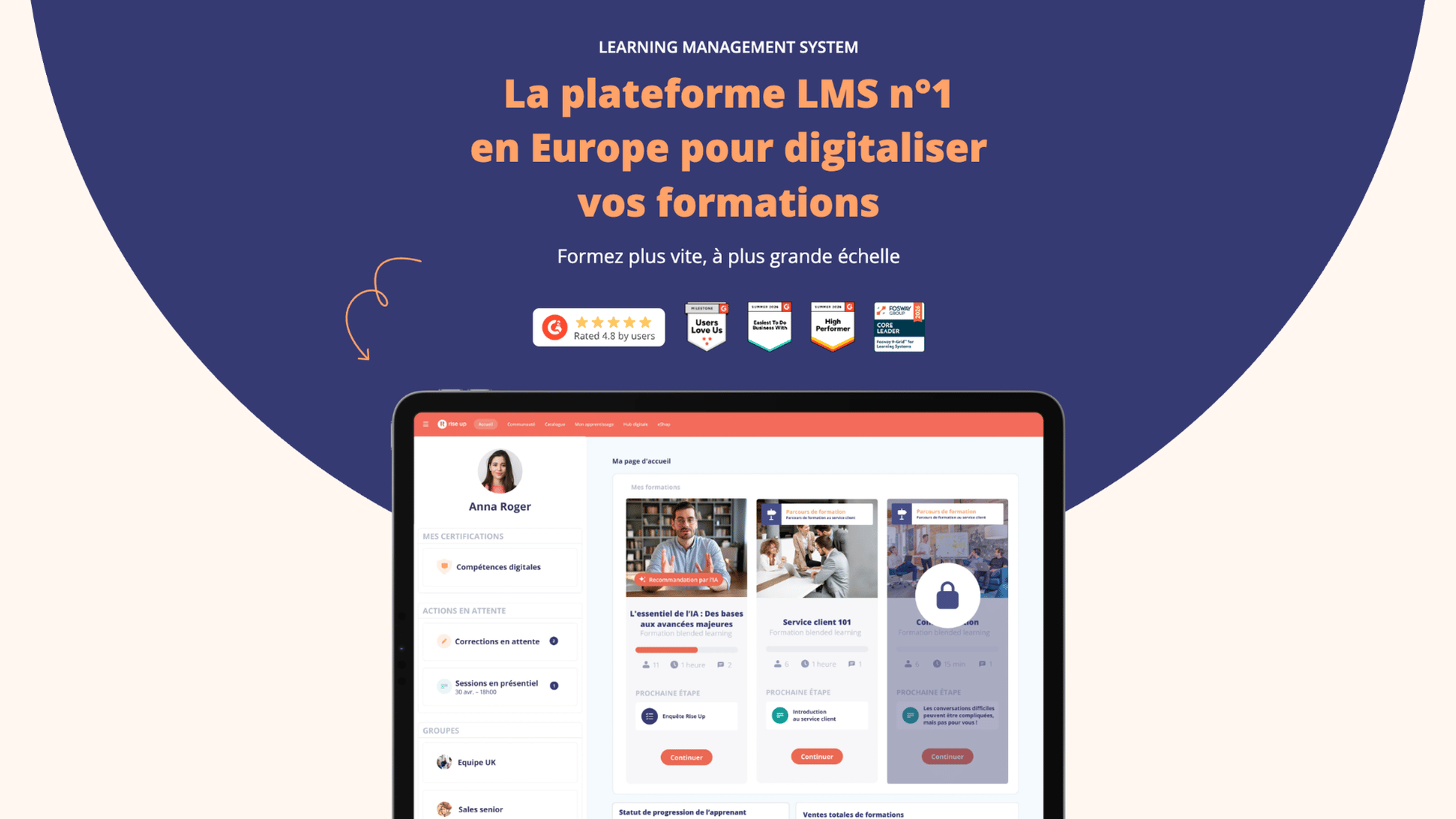 Rise Up is the Learning-to-Performance ecosystem helping organisations build capabilities that drive business impact. By turning theory into practice with AI-powered personalised learning and tailored coaches, Rise Up enables learners to develop real-world skills and be ready for today.The Rise Up ecosystem brings together learning management, smart content creation, adaptive learning, analytics and open integrations to deliver learning experiences at enterprise scale.
Features:
- Blended learning and multi-language support, so hybrid programmes run online and in person, including across borders,
- Adaptive learning that adjusts the path to each learner's progress,
- Integrations with your wider stack, including HR systems, HRIS and authentication providers,
- Built-in authoring tool to create, organise and publish content, backed by AI generation and translation,
- Centralised reporting to track progress, completion, results and learner engagement,
- Full training records to support regulatory obligations, internal controls and audit preparation,
- Memory anchoring with spaced reminders, so what people learn still sticks weeks after the course ends,
- Social learning and gamification to sustain engagement,
- A dedicated Microsoft Teams app, so training sits inside the tools teams already use every day.
Pricing:
- A package combining LMS and LXP, adaptive learning and integrations with your HR tools.
- A tailored package that adds custom workflows, enhanced support, SSO and unlimited sub-platforms.
- Add-on modules such as Rise Up Engage, to strengthen learner engagement, and Rise Up Content, a ready-made course catalogue built with partner publishers, so you can round out a programme without building everything in house.
Best for: Large organisations, from FTSE 100 companies to mid-market businesses, from around 1,000 learners upwards, and above all those running multi-country, multi-language training.
Limitations: Rise Up may not suit small organisations, since the platform is designed for larger ones. Complex rollouts spanning several entities or countries also need planning time upfront.
Back to the comparison overview
Thrive
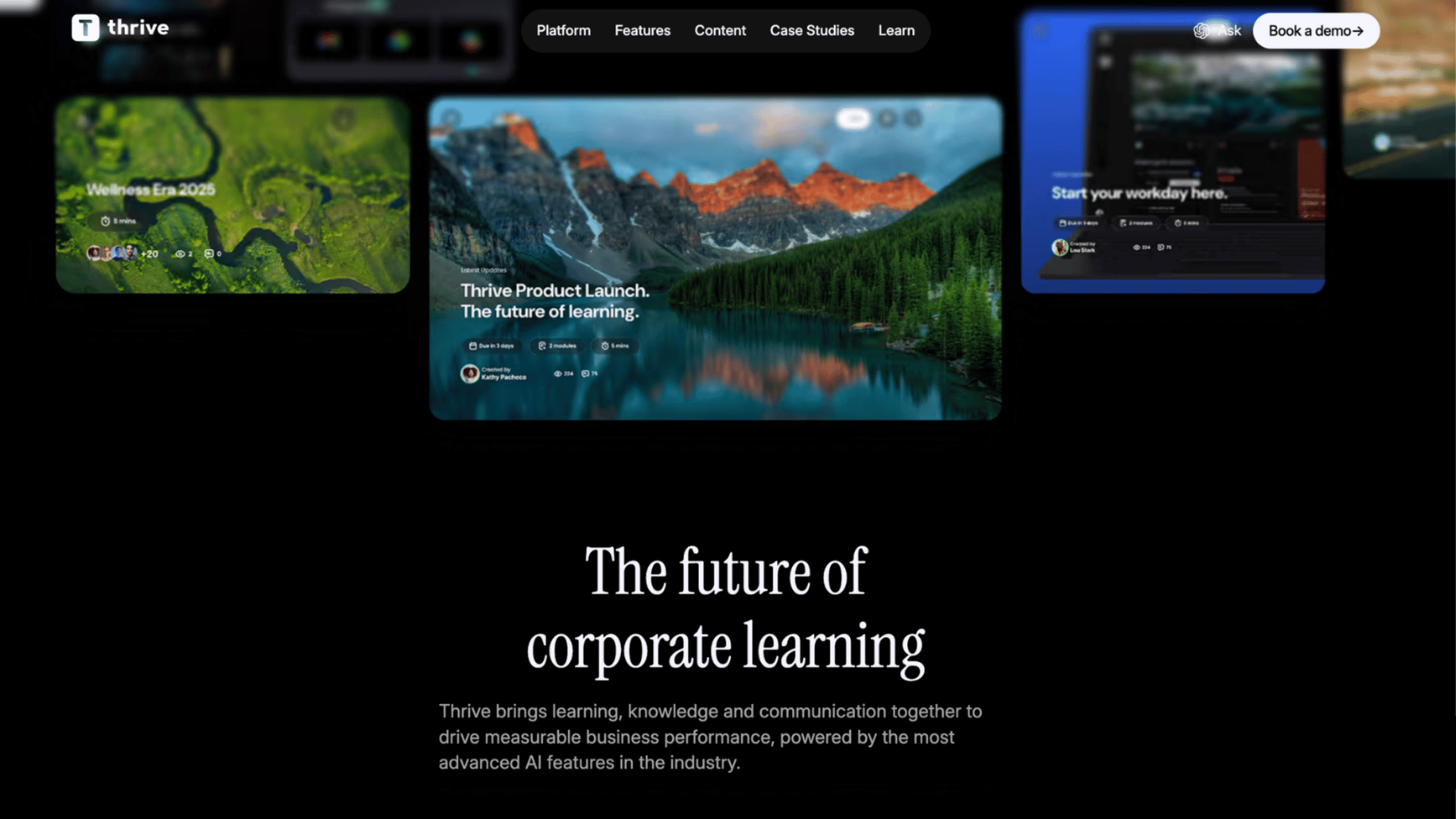
Thrive is a British platform that combines LMS, mentoring, skills management and communications in one tool. It positions itself beyond mere course completion: the AI agent Kiki (coaching, content creation, analytics, administration) is there to build skills at scale rather than just track mandatory training.
Features:
- Dedicated skills pathways, with role mapping and gap detection,
- Coaching and mentoring built in natively,
- Community spaces,
- White-label mobile app,
- Kiki AI agent, for coaching, content generation, analysis and administration.
Pricing:
- Thrive Go targets fast-growing SMEs.
- The Mid Market package is built to support scaling businesses.
- The Enterprise package targets large accounts with more demanding security and rollout requirements.
Best for: Companies from growing SMEs to large accounts looking for a modern, social, engagement-led experience.
Limitations: A fairly young platform, founded in 2018, with some features still in development. Users also flag limits on reporting exports, an area where more established platforms offer more flexibility.
Back to the comparison overview
360Learning
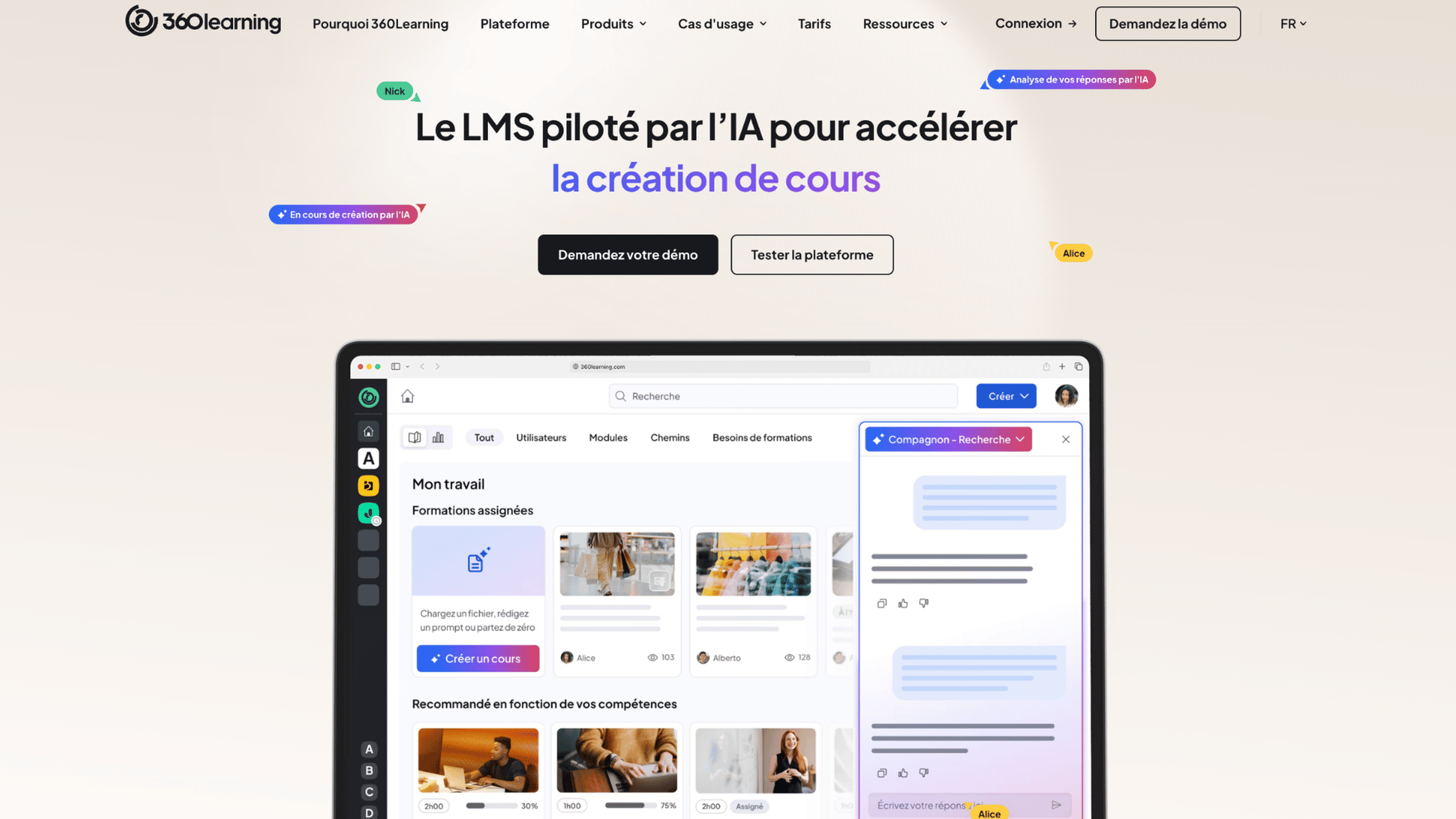 360Learning is a French-American platform that combines LMS and LXP around collaborative learning — an approach where internal experts co-build training content with the L&D team rather than receiving it finished.
Features:
- Collaborative authoring tool designed for subject-matter experts, so content gets created and updated quickly,
- Social learning features: comments, reactions, peer conversations, feedback and contributions attached directly to the content,
- Co-creation between internal experts and the L&D team, with content production spread across the business,
- Skills management,
- Analytics and reporting to track engagement, content usage and training impact.
Pricing:
- The Team plan targets small teams, with the core collaborative authoring and social learning features.
- The Business plan adds what larger organisations need: advanced roles and groups, SSO, API access and a dedicated account manager.
- The Enterprise plan rounds this out with project management features and enhanced support for complex training needs.
Best for: Organisations looking for a collaborative LMS that turns peer-to-peer knowledge sharing into an asset.
Limitations: Users sometimes find customisation and reporting more limited, with native reporting less comprehensive than on other all-in-one platforms. Parts of the authoring tool also cope less well with highly international setups, particularly on multi-language management.
Back to the comparison overview
Docebo
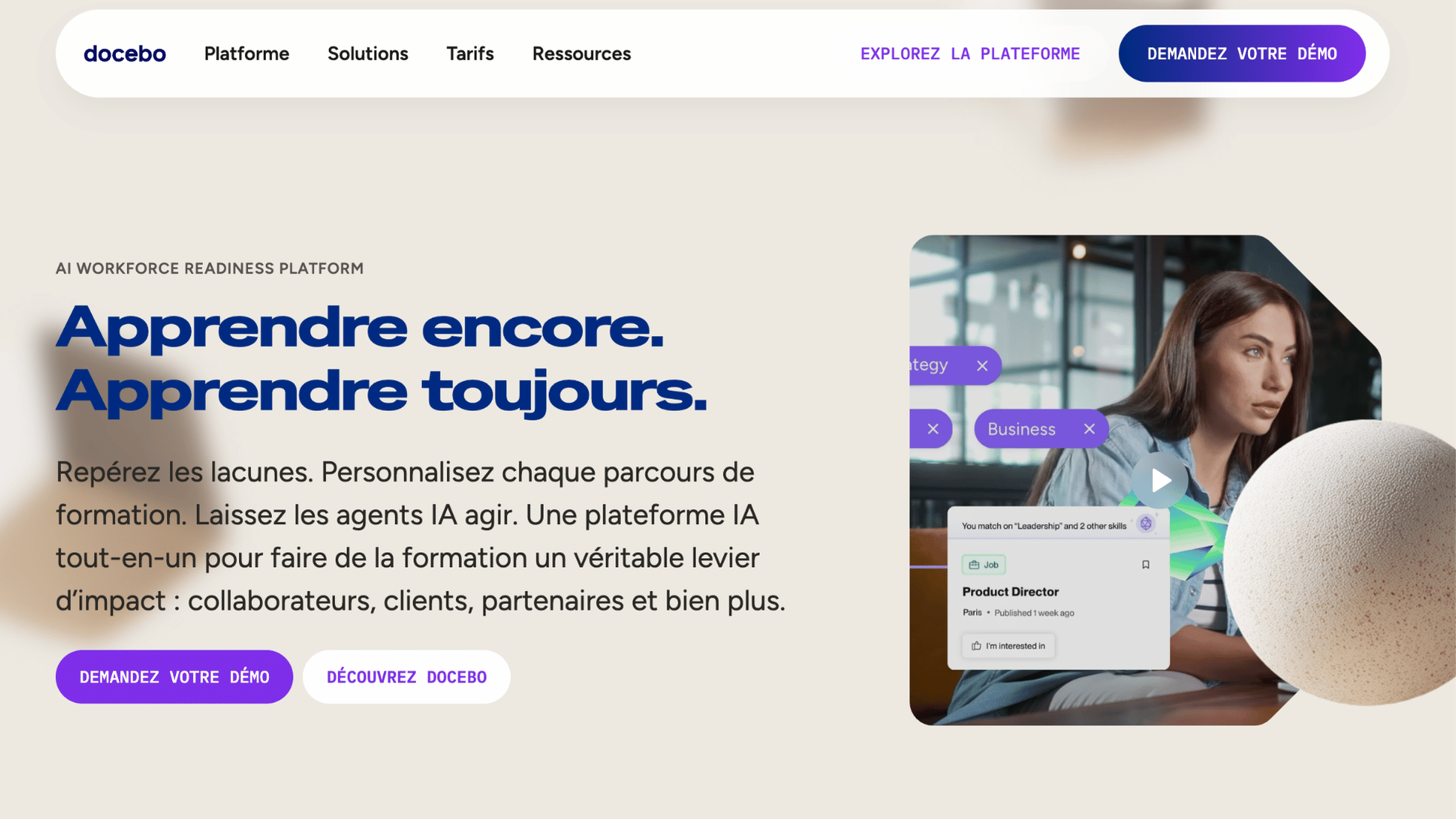 Docebo is an international learning platform with AI agents and advanced personalisation, built for complex organisations.
Features:
- AI agents for assistance and content generation,
- Content marketplace,
- Multi-portal management,
- Gamification and social learning,
- Advanced analytics.
Pricing:
- Premium positioning, best suited to large companies.
- Two packages, Elevate and Enterprise, both on quote, with a long list of paid add-ons.
Best for: Large companies that want to train employees, customers and partners on one platform, and that are looking for AI agents to run their training operation.
Limitations: Premium positioning and usage-based billing can push the price up. Several key features — advanced analytics, e-commerce, content creation — stay on the paid options list, which makes the platform harder to justify for mid-sized companies. The sheer number of customisation options also adds complexity and can create technical dependency, where other all-in-one platforms include these capabilities natively.
Back to the comparison overview
TalentLMS
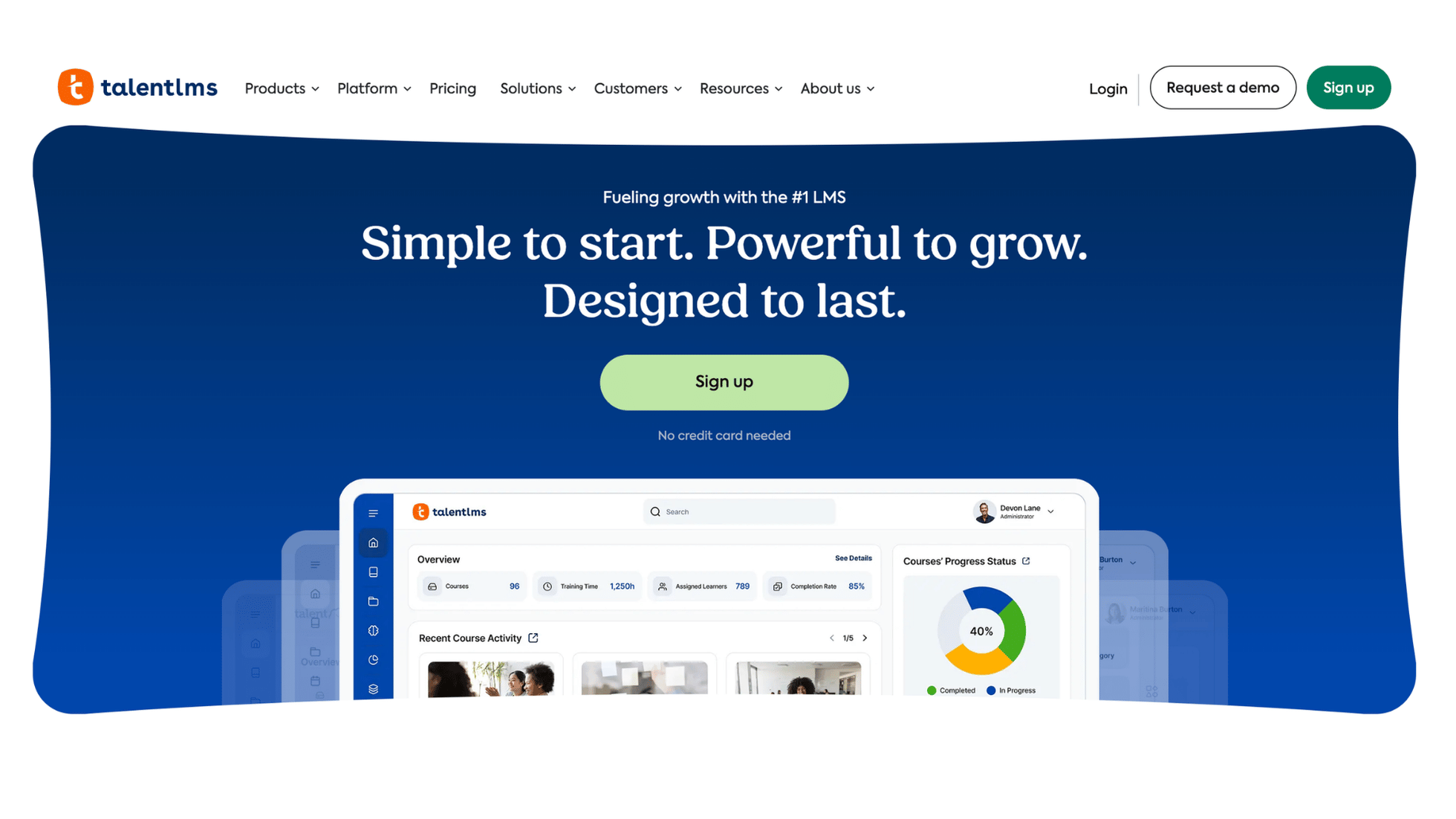 TalentLMS is a cloud LMS owned by Epignosis, known for its simplicity and aimed at SMEs.
Features:
- Authoring tool for video, PDF, SCORM and other formats,
- Gamification,
- AI tools for quizzes, translation and coaching,
- Content generation with TalentCraft,
- Analytics dashboards.
Pricing:
- A free plan for up to 5 users and 10 courses, designed for testing the platform.
- The Core plan adds custom branding, your own domain name and SSO, for a small organisation getting started.
- The Grow plan extends capacity to several teams, with custom reports and multiple separate training portals.
- The Pro plan introduces task automation, priority support and TalentLMS branding removal, for organisations professionalising training at greater scale.
- The Enterprise plan, on quote, removes portal limits and adds dedicated onboarding.
Best for: SMEs that want an intuitive tool they can deploy quickly for onboarding or compliance training.
Limitations: Feature depth and customisation can fall short for very complex needs and large companies, particularly on reporting and white-label branding, with an ecosystem less geared to multi-country rollouts.
Back to the comparison overview
Moodle
 Moodle is the reference open-source LMS and the most widely used learning platform in the world, backed by a very active community.
Features:
- Open source code and a vast library of plugins and themes, for near-unlimited customisation,
- Support for the SCORM, xAPI, H5P and LTI standards,
- Course management, forums and assessments,
- Mobile app and well-regarded multi-language support,
- Extensive integrations, including Zoom, Microsoft 365 and Google Workspace.
Pricing:
- Moodle LMS remains free and open source.
- Moodle Workplace, the enterprise version, is distributed only by Moodle certified partners, under a paid licence.
Best for: Higher education and organisations with in-house technical resource, or an integration partner, that want full control, advanced customisation and no dependency on a single vendor. Moodle Workplace targets companies that want to keep open-source flexibility while accessing more advanced features.
Limitations: Hard to configure without in-house technical skills, with an interface that isn't especially intuitive and too many steps for simple actions. It takes time to get to grips with, and the open-source model brings costs you need to plan for — hosting, maintenance, security, updates — where an all-in-one SaaS platform absorbs them natively.
Back to the comparison overview
Cornerstone OnDemand
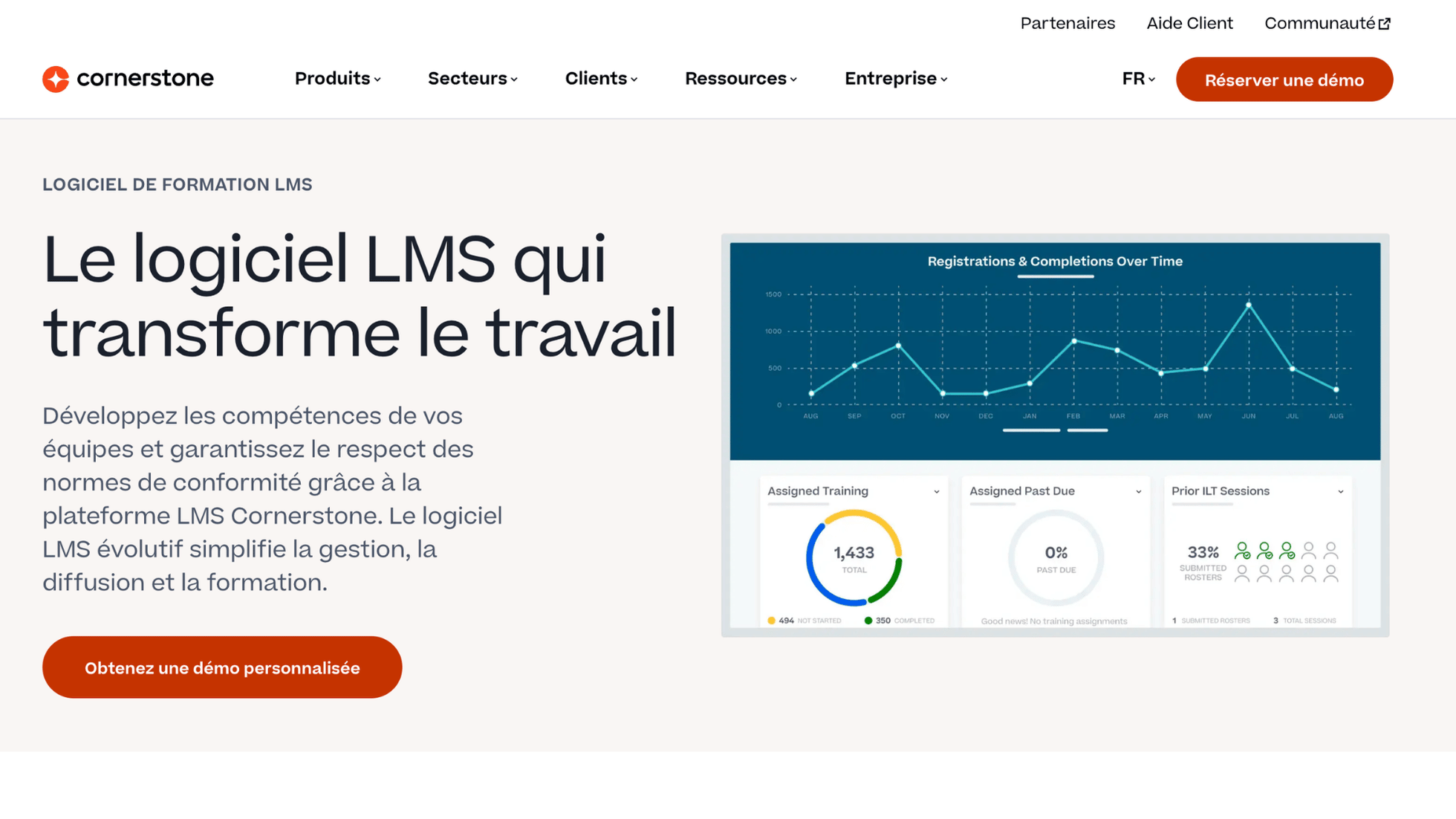
Cornerstone OnDemand is an American learning and talent management suite, built for large companies and complex organisations.
Features:
- LMS paired with performance, talent and skills management,
- AI-driven recommendations,
- Compliance and audit management,
- Advanced analytics tool.
Pricing: Quote only, positioned for large accounts.
Best for: Large companies and complex international rollouts, where training sits inside a wider HR strategy covering talent and performance.
Limitations: The interface can be hard to master and feels dated, for administrators and learners alike. The platform doesn't suit SMEs or mid-market businesses after something simple, affordable and fast to deploy — rollouts run to one or two years — unlike all-in-one platforms designed for a more gradual approach.
Back to the comparison overview
Bealink
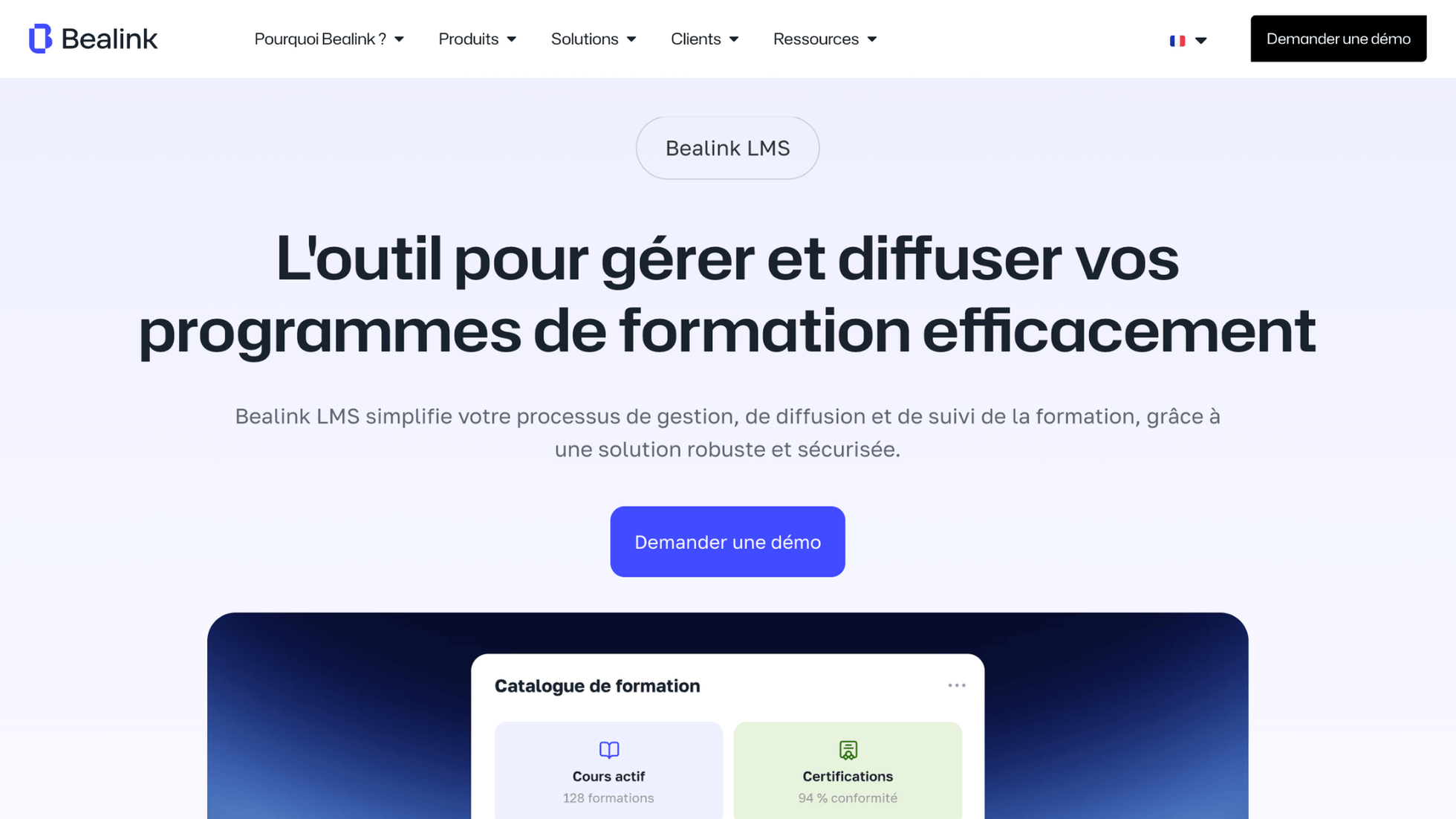 Bealink is a French platform that brings LMS, LXP and TMS into one unified ecosystem, with a content offer available through the Callimedia agency.
Features:
- Authoring tools, virtual classroom management and microlearning,
- Social learning and community features,
- Conversational AI,
- Microsoft Teams app,
- xAPI support and human capital management (HCM) connectors,
- Advanced customisation of the interface and learning paths.
Pricing: Bealink prices on a quote basis, built from its product modules (LMS, TMS, LXP, LRS and Content) that a company can combine to match its existing stack and session volumes, rather than from standardised packages.
Best for: Training providers and organisations that want to run their whole learning ecosystem alongside a ready-made, off-the-shelf content offer.
Limitations: The platform suits a local rollout, with a smaller international footprint on multi-language and multi-country needs. UK organisations should expect a limited presence in this market and check support coverage and reference customers before shortlisting it.
Back to the comparison overview
Absorb LMS
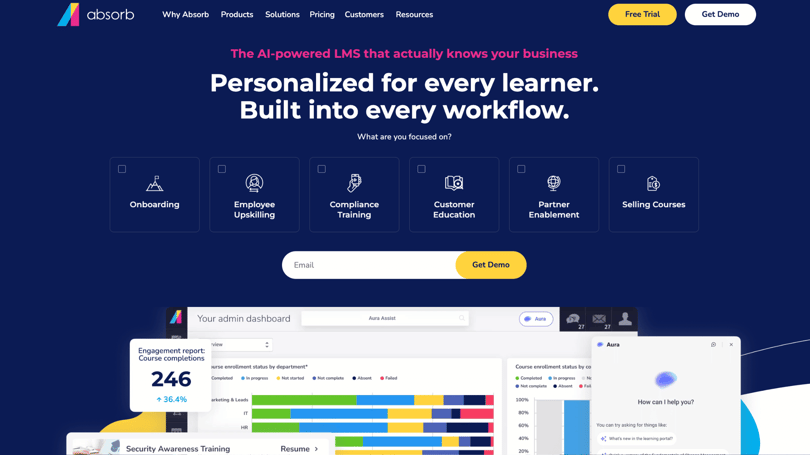 Absorb LMS is an American AI-powered platform, known for how easy it is to use and administer.
Features:
- Absorb Create, for AI content generation,
- Absorb Skills, for skills management,
- Absorb Analyze, for advanced reporting,
- E-commerce and multi-portal management,
- Marketplace of more than 20,000 courses,
- Management of internal and external learners (employees, customers, partners),
- Multi-language interface.
Pricing:
- Free trial available.
- Absorb doesn't publish named plans on its website.
Best for: Mid-market and large companies, mainly North American, looking for a scalable platform that's simple to administer, both for internal training and for external audiences (customers, partners, distribution networks) often served via several branded portals. It also suits organisations that want to monetise their training through built-in e-commerce, or rely on AI to speed up content creation.
Limitations: Per active user pricing works for organisations of a certain size, less so for small ones. Some options remain chargeable extras (advanced support, premium features). Since the vendor is North American, UK organisations with data residency requirements or a need for local account management should check hosting location and support hours in their time zone.
Back to the comparison overview
Sana Labs
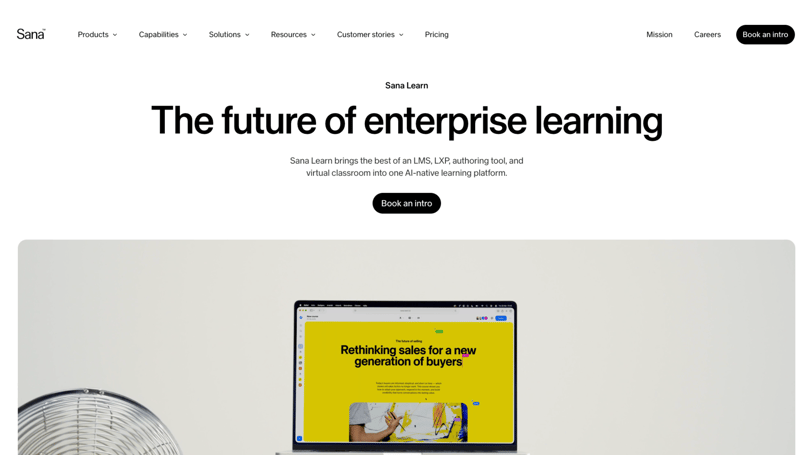 Sana Labs is a Swedish platform, part of the Workday group, with an AI-native positioning that brings LMS, LXP, authoring tool and virtual classroom into a single environment.
Features:
- Personal AI tutor,
- AI course generation and translation,
- Universal semantic search,
- Collaborative live sessions, with polls, breakout groups and AI-generated summaries,
- Conversational analytics in natural language.
Pricing:
- The Free plan works for testing the platform at a very small scale, up to 5 users.
- The Team plan targets growing teams, up to 50 users.
- The Enterprise plan, on quote, removes user limits and suits large-scale rollouts.
Best for: Mid-sized to large companies that want AI to be the engine of their training setup, particularly those already inside the Workday ecosystem.
Limitations: As a recent, AI-first vendor, Sana is still consolidating its compliance and regulatory tracking ecosystem, and content customisation options remain fairly basic next to more established platforms.
Back to the comparison overview
Hownow
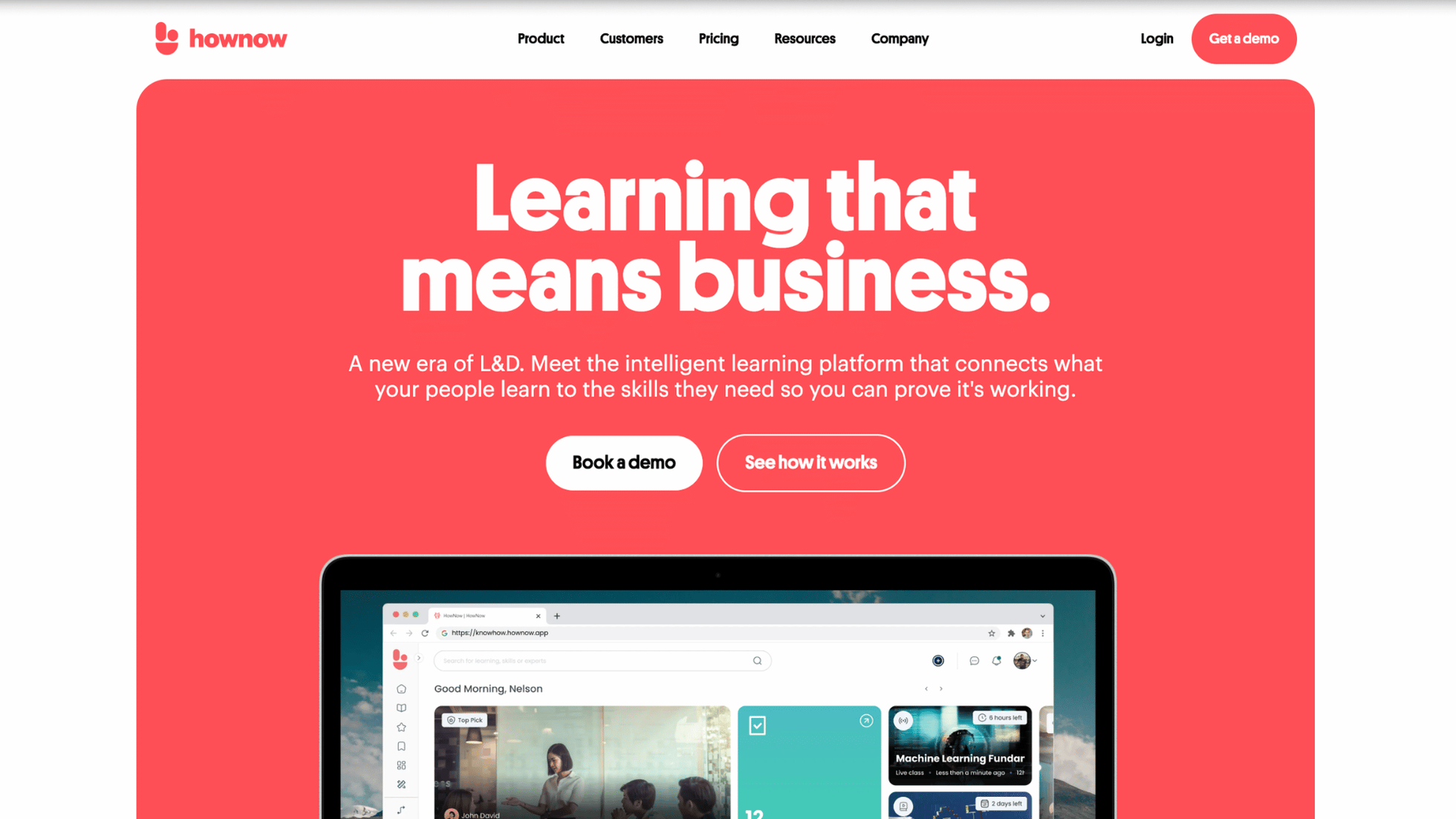
Hownow is a AI-powered learning platform built around learning in the flow of work — training embedded directly in everyday tools. It brings training management and delivery, skills management and AI coaching into one environment.
Features:
- All-in-one platform to create, deliver and manage training, from onboarding to compliance,
- Advanced skills management, with skills mapping, gap detection and matching against roles and content,
- HowNow Guru AI agent, for coaching, role-play and feedback,
- Library of more than 10,000 supplier resources,
- Slack and Microsoft Teams integrations, Chrome extension and mobile app,
- Analytics.
Pricing:
- Essentials covers the core features of an LMS and LXP.
- Pro adds the AI features and white-label branding. A Plus add-on, with an off-the-shelf content offer, can sit on top of either package.
Best for: L&D teams and mid-sized companies that want to make knowledge easier to find, build skills and embed learning in the flow of work.
Limitations: The platform is proven with mid-sized companies and has few multi-country rollouts behind it. AI features aren't included in Essentials but reserved for the more expensive Pro package, where other all-in-one platforms include AI generation and translation from their entry-level offer.
Back to the comparison overview
Learning Pool
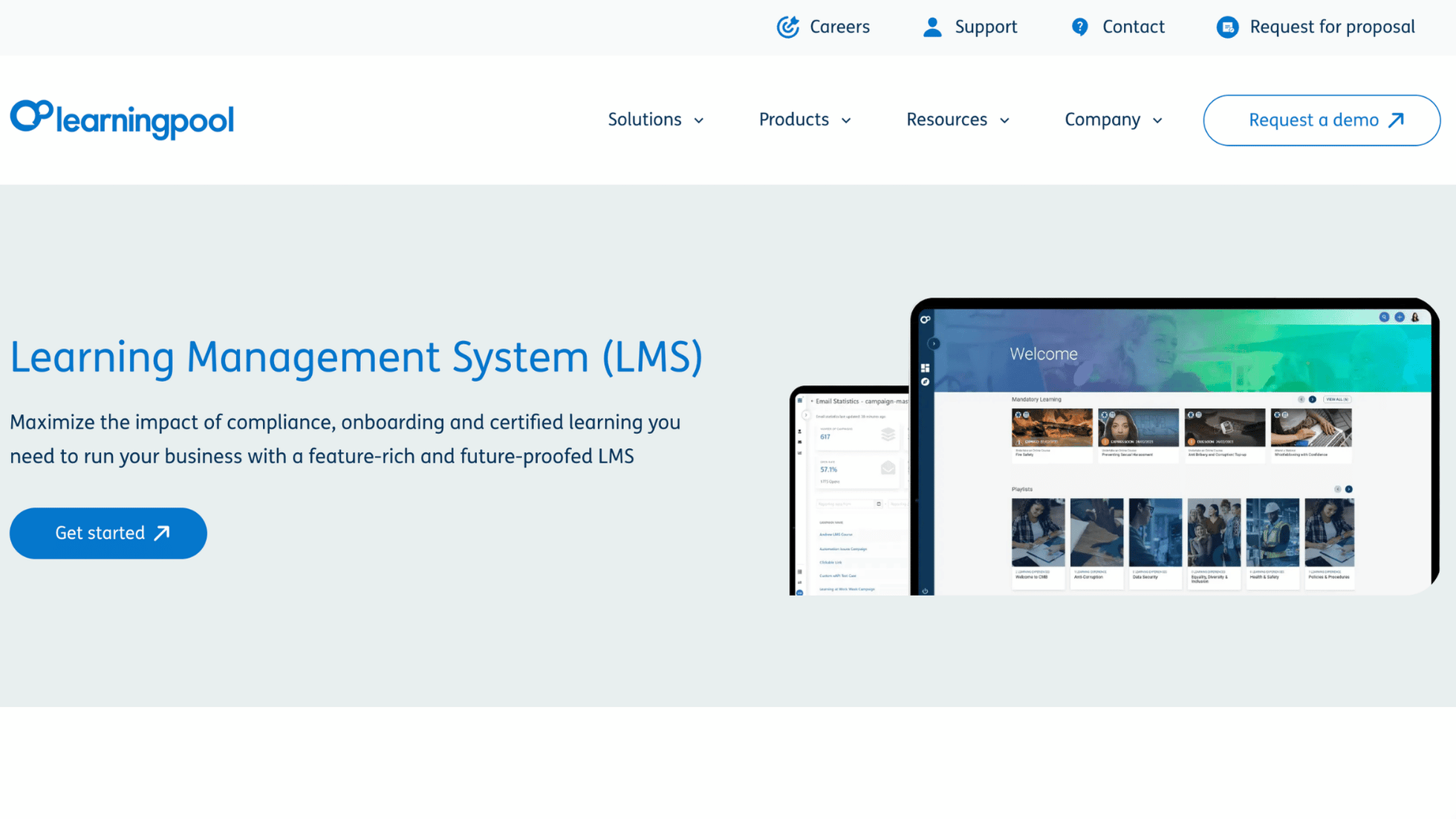
Learning Pool is a British player combining LMS and LXP, under the Stream LXP brand, with LRS capability to collect and store learning records across the whole ecosystem, alongside an e-learning content library.
Features:
- AI-driven skills tracking and automatic recommendations,
- Blended learning and social learning,
- LRS and advanced analytics,
- Content creation tools, via a partnership with Elucidat,
- Mind Tools partnership, with the Converse AI tool for practising difficult conversations.
Pricing: Quote only, built from the modules you choose (LMS, LXP, LRS, content library) and adjusted to user numbers and the level of support you want.
Best for: UK mid-sized companies, notably in the public sector, looking for a solution that pairs content with technology, backed by a large content library.
Limitations: The platform is sometimes seen as less modern than newer solutions, with existing customers pointed towards the LXP to address this. The interface is judged slightly less intuitive and can feel short on innovation. Reporting may require additional tools, and initial implementation takes real configuration effort.
Back to the comparison overview
Which LMS should you choose for your context?
If you're running training in an international organisation, with more than 1,000 learners across several languages, prioritise industrialisation, multi-language support, adaptive learning and HRIS integrations.
If you're a training provider, the priority goes to selling courses, evidencing accreditations and continuing professional development (CPD) delivery, and managing a catalogue.
If your organisation has frontline teams in retail, manufacturing or construction, microlearning on a mobile app matters more than anything else. Deskless workers train between two tasks, not in a dedicated slot.
If you're an SME, a fast rollout and a short learning curve for your admin team count for more than deep customisation.
If you're a mid-market business, aim for a strong feature-to-price ratio and the ability to structure programmes and reporting more precisely, without taking on the complexity of an enterprise rollout.
If you operate in a regulated sector — health and social care, financial services, utilities — put evidence first: expiry management, refresher cycles, role-based assignment and audit-ready records. Organisations paying the Apprenticeship Levy should also check how the platform tracks levy-funded training.
Which trends shape the LMS decision in 2026?
When choosing a platform, thinking about trends matters, as you’ll likely be committed for several years. The best choice meets your needs now and can support your organisation as those needs change.
AI and adaptive learning come first: course and content generation from existing documents, automatic module translation, programme recommendations based on real progress, and skills mapping to spot the gaps you need to close. All of this sat with a handful of vendors not long ago and is now an expected standard. Adaptive learning is where the gap between vendors is the widest, so test it properly rather than taking the demo at face value.
Skills-based learning is reshaping how programmes are built. Rather than a catalogue of courses, organisations map roles to skills and build a skills development plan around the gaps. CIPD's Learning at Work 2023 survey found closing the skills gap was already the number one priority for UK L&D professionals, and platforms have caught up since.
Mobile learning and microlearning answer the constraint faced by teams without a fixed workstation. Short formats, a dedicated app, push notifications — these matter most for frontline teams who fit training in between tasks.
Learning in the flow of work is the natural extension of that. Training surfaces inside Microsoft Teams, Slack or a browser, at the exact moment someone needs it, rather than pulling them into a separate platform.
Gamification remains a reliable engagement lever. Points, badges, leaderboards and serious games give a more motivating frame than a module to tick off, especially for training people see as mandatory.
The Rise Up LMS platform includes all of these capabilities and moves quickly to keep pace with what emerges next in the training market.
FAQ about choosing an LMS
What LMS does the UK use?
UK organisations use a wide mix. Large enterprises tend towards Docebo, Cornerstone OnDemand, Absorb LMS or Rise Up for multi-country rollouts. Mid-sized companies often shortlist British players such as Thrive, HowNow and Learning Pool. Higher education and organisations with in-house technical resources still rely heavily on Moodle. In regulated sectors, the deciding factor is usually compliance evidence rather than feature count.
What is the best LMS platform?
No single platform is best for every organisation. The right choice depends on your context: the size of your organisation, whether you operate across countries, who your learners are, and how much weight you give to AI or mobile learning. That's why this comparison recommends by profile rather than publishing a single ranking.
What are the main LMS platforms on the market?
The market brings together vendors with genuinely different positions: ecosystems such as Rise Up, Docebo and Absorb LMS, collaborative platforms such as 360Learning, AI-native players such as Sana Labs, talent management suites such as Cornerstone OnDemand, and open-source options such as Moodle.
What's the easiest LMS to use?
For a small team getting started, TalentLMS and Thrive are usually the quickest to deploy and the most intuitive to manage. For a large organisation, "easy" means something different: what counts is how little admin effort the platform requires once thousands of learners are enrolled, which comes down to automation, role-based assignment and reporting, not the look of the interface. This is where Rise Up can definitely help.
Should you choose an open-source or SaaS LMS?
An open-source LMS gives you almost unlimited customisation, but requires in-house technical skills for hosting, maintenance and security. A SaaS platform such as Rise Up goes live faster and suits L&D teams with no dedicated IT resource to put on the project. Open source is free to license, not free to run — budget for hosting, updates and security from the start.
What budget should you plan for an LMS in 2026?
Budget varies a lot with the pricing model — per active learner, per licence or per feature — and with user numbers, the modules you switch on and the level of support you want. Exact rates stay vendor-specific and change regularly, which makes a tailored quote more reliable than any general range.
.jpg?width=460&name=Hubspot%20-%20Featured%20photo%20%20(13).jpg)